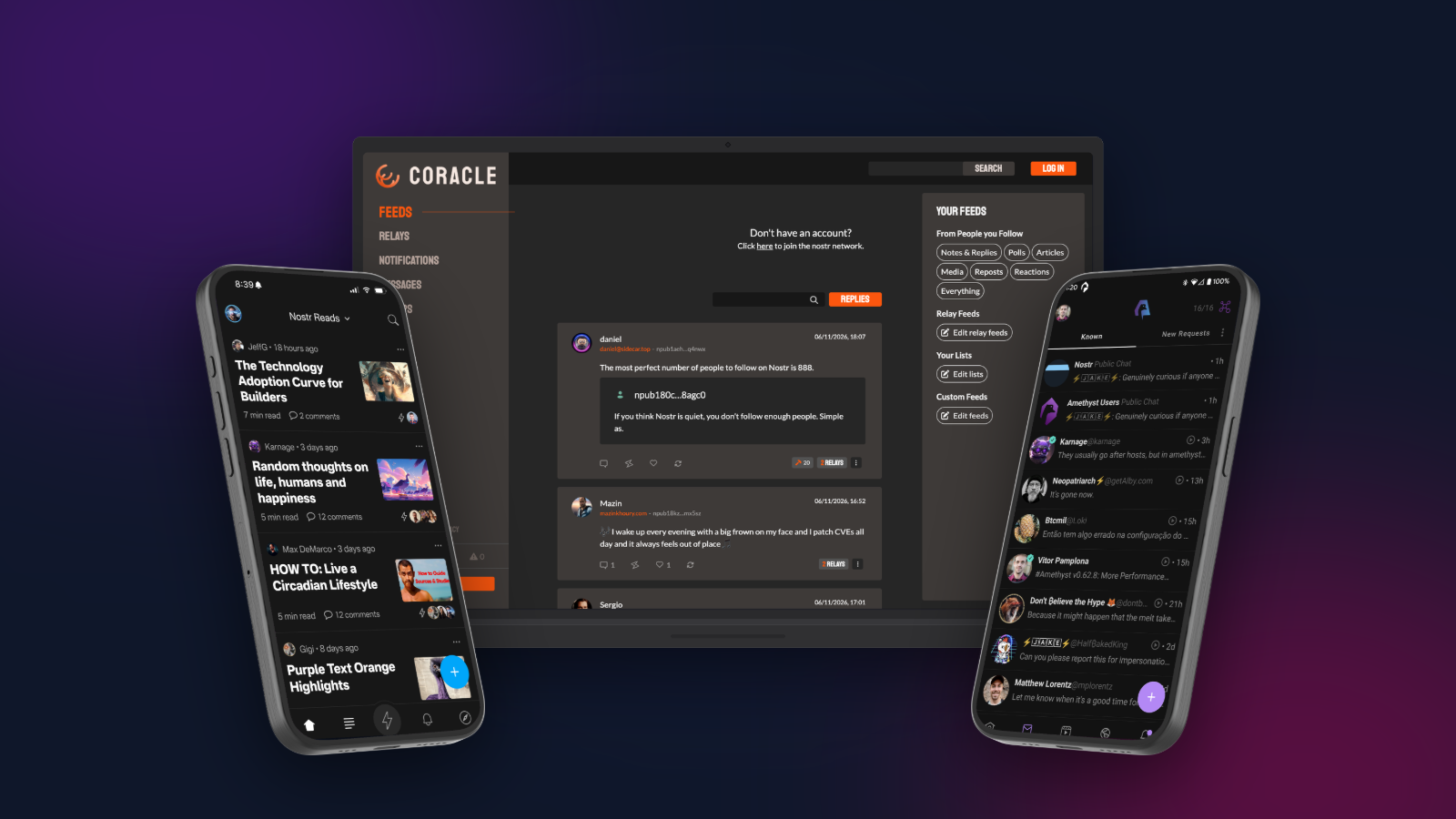
Nostr isn’t only short notes. You can also publish full articles, with headings, images and links, the kind of thing you’d normally put on a blog or newsletter platform. On Nostr, though, the article belongs to your key, not to a platform. It can be read in many different apps, it can’t be taken down by a single company, and your readers can zap you directly for it.
This guide covers how Nostr articles work, which apps to write them in, and how to turn them into a blog of your own.
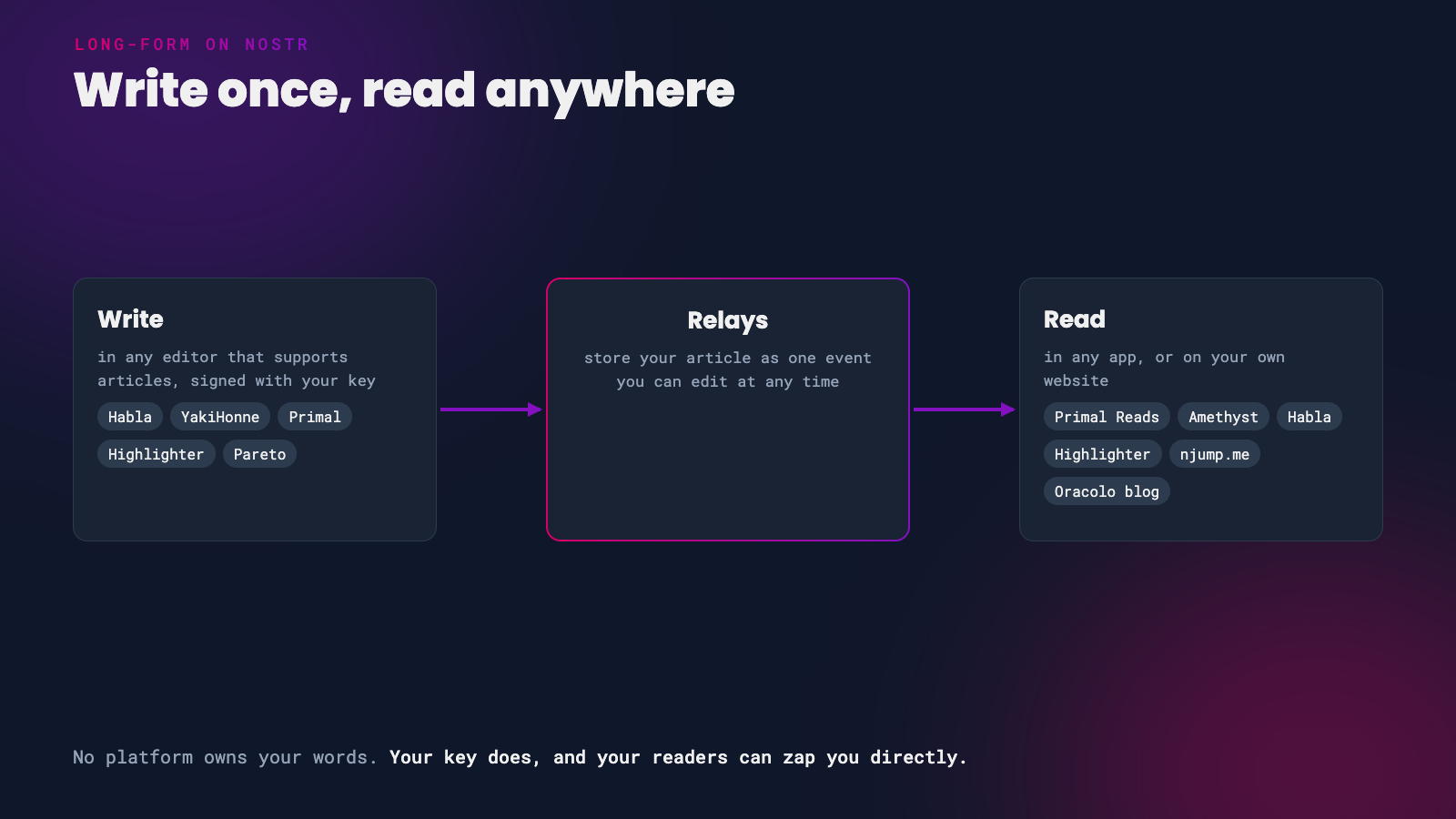 One article, many places to read it
How Nostr Articles Work
A Nostr article (NIP-23) is a special kind of event, separate from normal notes. Each one has:
- the article itself, written in Markdown, so headings, bold text, links, lists and images all work
- a title, summary, cover image and hashtags, which apps use for previews and discovery
- a hidden identifier, which means you can edit an article after publishing. Each edit replaces the old version, so readers always see the latest one.
Every article also gets its own link, starting naddr1..., that points to it in any Nostr app.
Not every Nostr app shows articles, so share yours with a link and readers can open it in an app that supports long-form.
Pick an Editor
These apps can write and publish Nostr articles today:
| App | What it’s good for |
|---|---|
| Habla | A simple, free blogging editor |
| Primal | Writing where many readers already are, with private drafts |
| YakiHonne | A full editor, including importing from PDF |
| Highlighter | Writers and readers who like to highlight and discuss |
| Pareto | Journalism and newsletters, with private drafts |
| Primal Studio | Paid plans for professionals moving from Substack, WordPress, Medium or Ghost, with scheduling and team review |
Drafts work differently in every app. YakiHonne’s Save draft publishes your draft to relays where anyone can read it, and Habla only keeps drafts in your current browser. Primal and Pareto keep drafts private and encrypted to your key.
Write Your First Article
 Start with a story you’d tell a friend
- Log in safely. Use a browser extension or a remote signer like Amber or Clave, not your nsec. See Secure your Nsec on iPhone and Desktop.
- Write. Most editors look like a normal word processor and save your work as Markdown behind the scenes.
- Add a title, summary and cover image. The summary and image are what people see in previews, so they matter more than you’d think.
- Add a few hashtags so people can find your article by topic.
- Publish, then copy the article’s link.
- Share it in a short note so your followers see it in their feeds.
Images in Nostr articles are usually stored on Blossom servers. Your editor uploads them for you. Blossom files are identified by their contents, so if one server disappears, apps can find the same image on another server you use.
Share It and Turn It Into a Blog
People without a Nostr app can still read your article:
- njump.me turns any article into a normal web page. Add your article’s
naddr1...code to the end of the address, as inhttps://njump.me/naddr1..., and share that link anywhere. It also shows a proper preview when shared on X or Telegram. - Oracolo turns your Nostr articles into a blog. It’s a single web page that updates itself whenever you publish a new article in Habla, YakiHonne or Highlighter. Download it and host it yourself, or point your own domain at Oracolo’s free hosting.
Get Read and Get Zapped
Readers can zap articles just like notes, so every article is a chance to be paid directly for your writing, with no platform taking a cut. Make sure your zaps are set up properly before you publish.
Readers can highlight your words. In apps like Highlighter and Habla, readers can highlight a passage and comment on it, and those highlights are shared on Nostr too. It’s a great way to see which parts of your writing land.
Tips
- Edit freely. Spotted a typo after publishing? Edit and republish. The new version replaces the old one.
- Don’t use HTML. Articles are Markdown only, and apps won’t show HTML.
- Back it up. Publish to your own relay as well as public ones, so you always have a copy of your work.
If you found this post useful, please share it with your peers and consider following and zapping me on Nostr. If you write to me and let me know that you found me via this post, I’ll be sure to Zap you back! ⚡️